Supported Laptop models are Dell: Inspiron, Latitude, Alienware, XPS, Precision, Vostro, Venue, Wyse G Series, Studio.
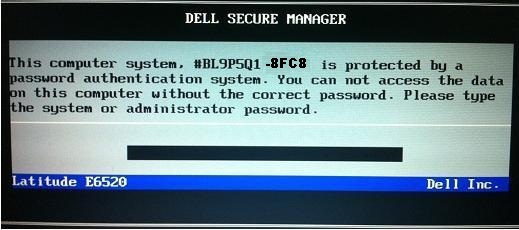
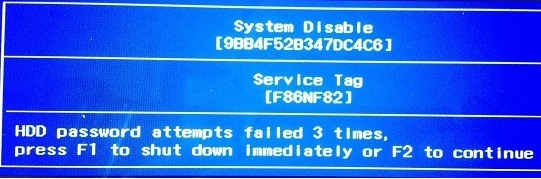
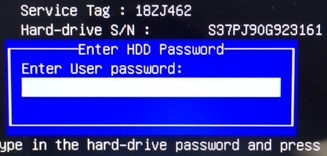
Find here Master passwords to unlock Dell Laptop & Notebook asking for: unlock key hint number, system disable, HDD password error code, Service Tag, PPID, Hard-drive S/N, System Disabled, PPIDE, system or administrator password for 8FC8, E7A8, BF97, 1F5A, 1F66, 6FF1, 1D3B, primary or administrator password for: 2A7B, 3A5B, 595B.
How to reset Dell Laptop Via Dell Bios Master Password?
You can reset Dell Bios Password using a Dell Master Password.
Please Follow this instructions:
Restart the laptop pressing F2 Every second,
Type the provided Dell Master Password we sent you,
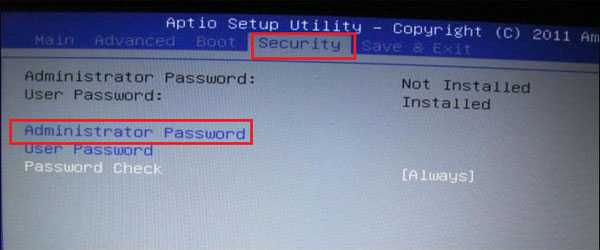
Go to: security,
Then: passwords,
Look for the option: Unlock Setup,
Go to: administrator password,
Them Reset the password,
There will be 3 fields,
Type the Master password we sent you in the first field,
And leave the other 2 fields Empty !
Click on Save it,
Password should now be removed and the laptop will stop asking for the password on boot.